Buyer’s Guide: How to Choose the Right Interactive Flat Panel for Your Institution
Deciding to procure an interactive display is an exciting step toward digital transformation. However, with various sizes, certifications, and internal specifications on the market, it can be overwhelming to determine which option fits your exact environment.
Whether you call it an interactive flat panel, a smart board, or a digital interactive whiteboard in Nigeria, choosing the wrong model can lead to integration headaches down the line. To ensure you make an informed decision, let’s look at the critical features you must evaluate before making a purchase.
1. Software Ecosystem: Why “EDLA-Certified” Matters
The operating system running behind the screen dictates its usability. Selecting an EDLA-Certified interactive display in Nigeria ensures your screen comes pre-configured with official Google Core Services. If your organization relies heavily on apps from the Google Play Store, seamless Google Drive sharing, or cloud accounts, choosing an EDLA-certified option like the BenQ Board Pro RP04 or Essential RE04 guarantees a frictionless user experience right out of the box.
2. Choosing the Right Screen Size
BenQ interactive displays typically come in three primary 4K UHD form factors to match different room sizes:
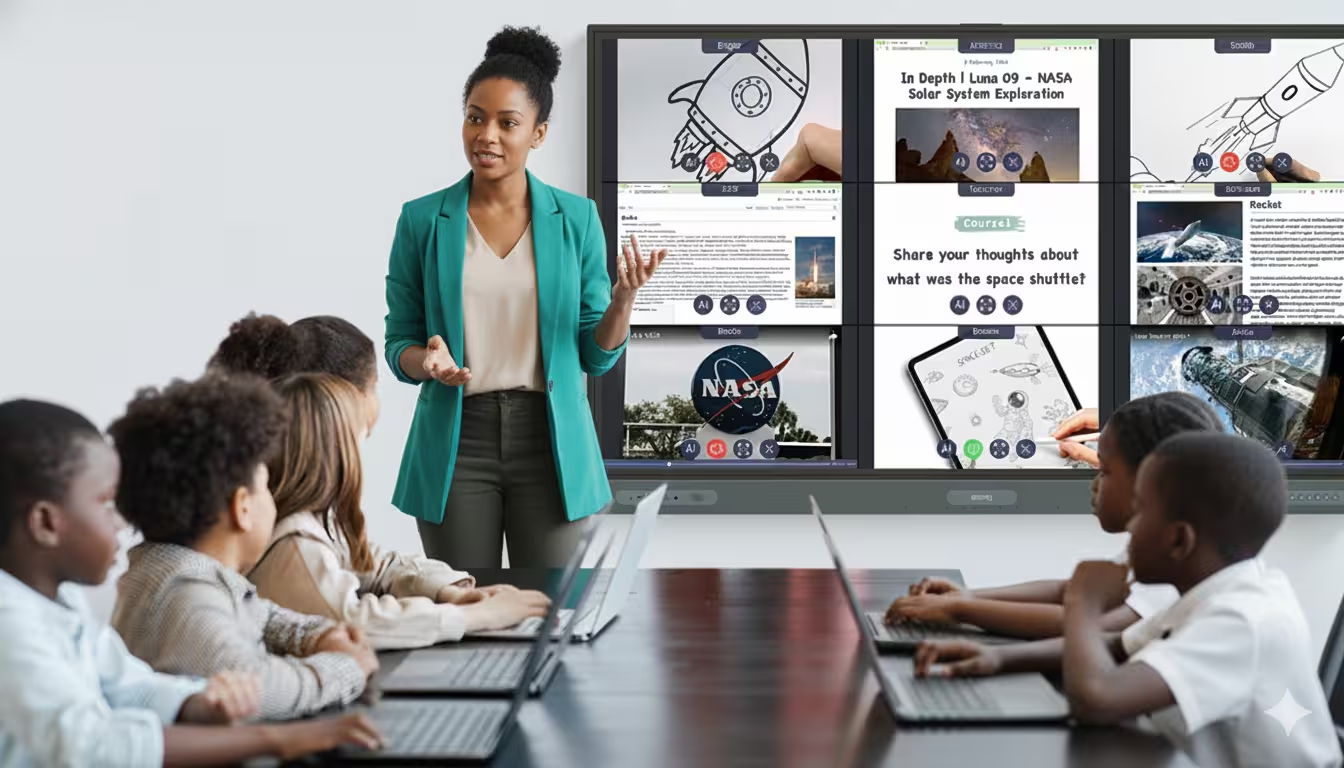
- 65-inch: Perfect for huddle rooms, small corporate offices, and early-childhood classrooms.
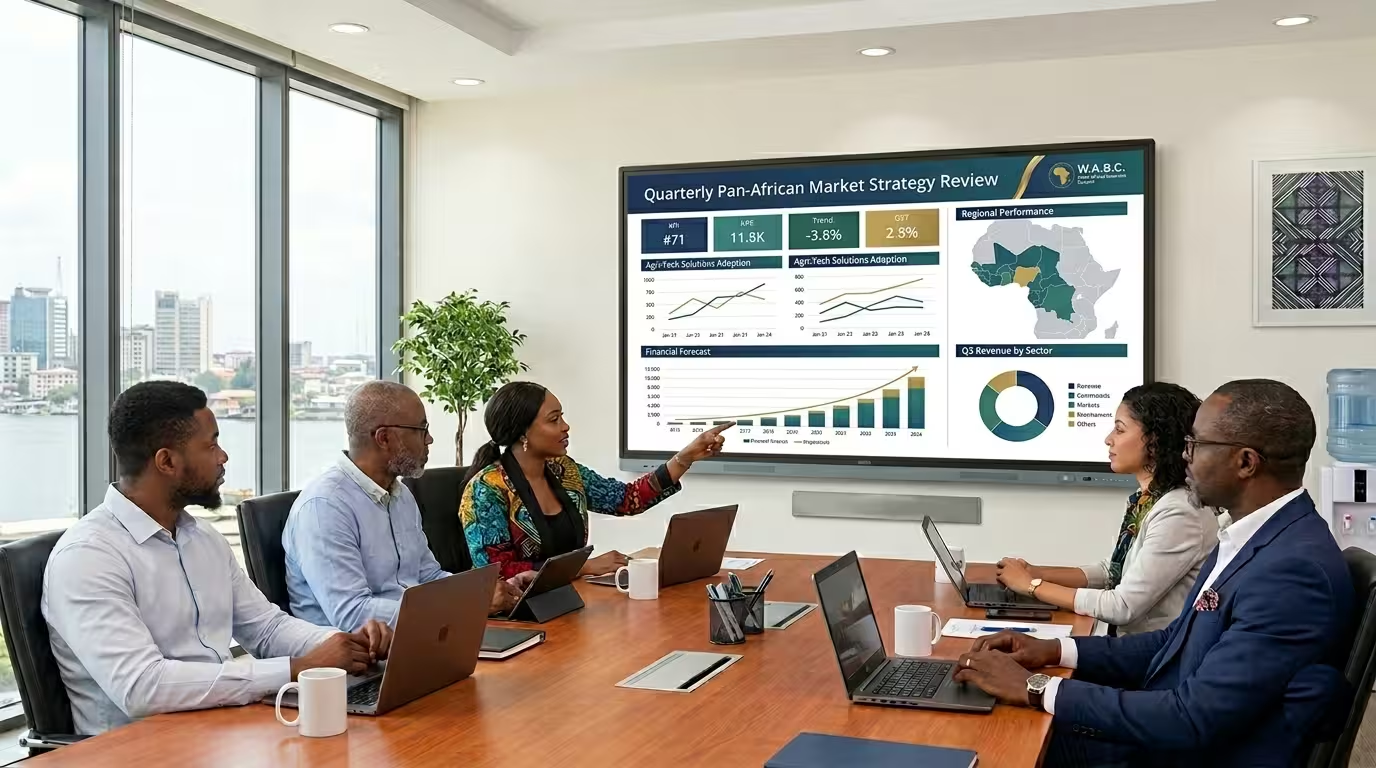
- 75-inch: The ideal, versatile standard for medium-sized classrooms and corporate boardrooms.
- 86-inch: The ultimate choice for large lecture halls, training centers, and executive conference rooms where long-distance visibility is crucial.
3. Interactivity and Touch Responsiveness
Not all touch screens are built equal. If multiple users (such as students or co-workers) will be writing on the board at the same time, look for displays that feature at least 40-point to 50-point simultaneous touch capabilities and a low latency response time (<8ms). Precision IR technology ensures that writing feels as natural as putting pen to paper, without lagging or jagged strokes.
4. Connectivity and Device Management
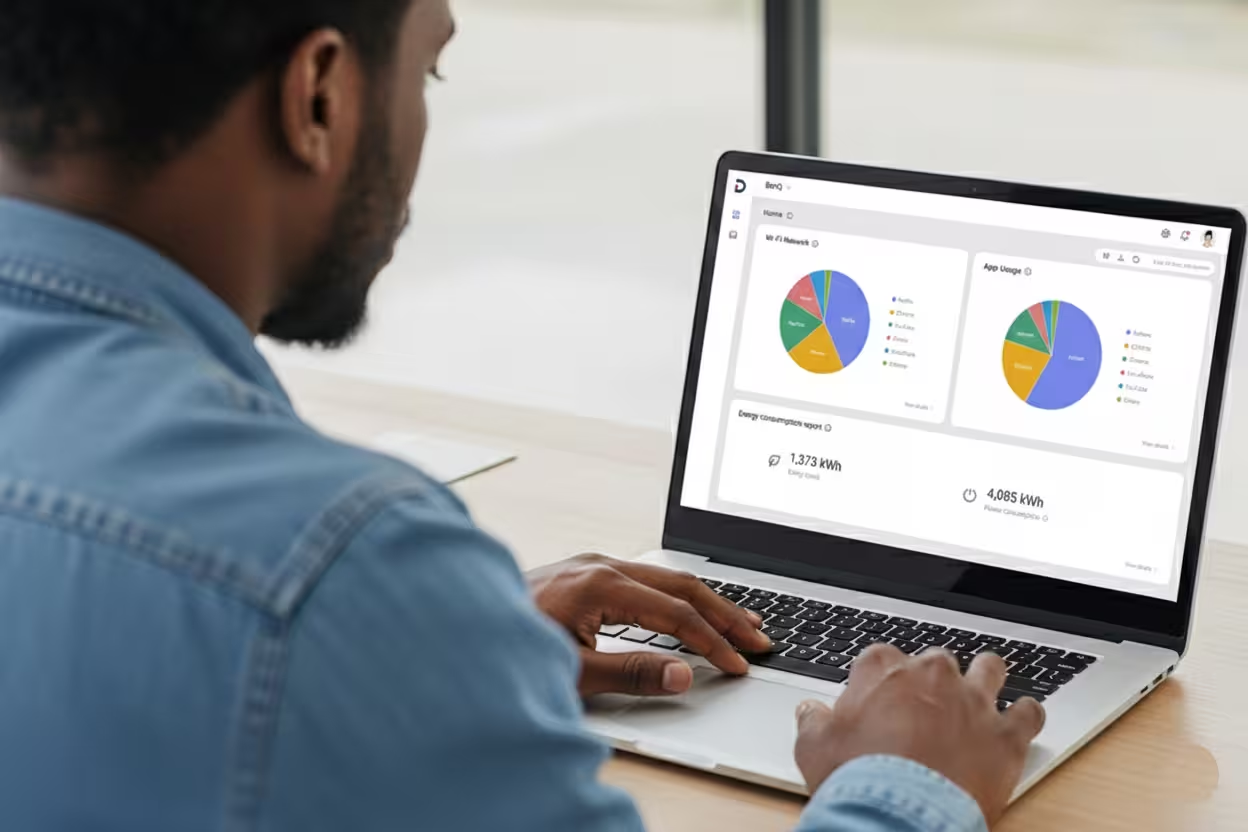
A robust interactive flat panel in Nigeria must be easy for your IT team to manage remotely. Look for displays that support Centralized Device Management Systems (DMS) and Account Management Systems (AMS). This allows your network administrators to push security updates, install apps, and monitor energy consumption across multiple displays from a single remote dashboard. Additionally, look for convenient front-facing ports with high-power USB-C connectivity (65W to 100W) to charge laptops while mirroring video feeds.
Why Source through IT&C Networks?
When investing in high-end edtech and corporate hardware, local accountability matters. IT&C Networks is the premier, exclusive West African distributor of BenQ interactive solutions. When you source your boards through us, you aren’t just buying hardware; you receive:
- A comprehensive 3-Year Warranty.
- Expert, hands-on delivery and professional installation.
- Customized training for your staff to maximize adoption.
- Reliable, localized technical support.
Find Your Perfect Match
Don’t settle for subpar digital solutions. Review our tailored product breakdowns for the BenQ Board Essential RE04, BenQ Board Master RM04, or the powerhouse BenQ Board Pro RP04 to find the exact configuration your team needs.
Contact our Lagos/Abuja distribution teams today to request a quote and see how we can bring your collaborative spaces to life.